
An overdue invoice tests your nerve.
A dated plan steadies it.
Most freelancers chase badly for two reasons: they wait too long to send the first reminder because it feels awkward, and then they send three in a week out of frustration. Chaseplan replaces the anxiety with a schedule and words to copy.
01 / WHAT IT CHECKS
More reminders fail because they are untimed than because they are unwritten.
Every freelancer has drafted a reminder, hesitated, and left it in drafts for three days. By the time you send it, the client has already forgotten. The ones who do send often skip the invoice number, paste the wrong amount, or fire the final notice on the same day as the first reminder — which makes you look disorganised rather than firm.
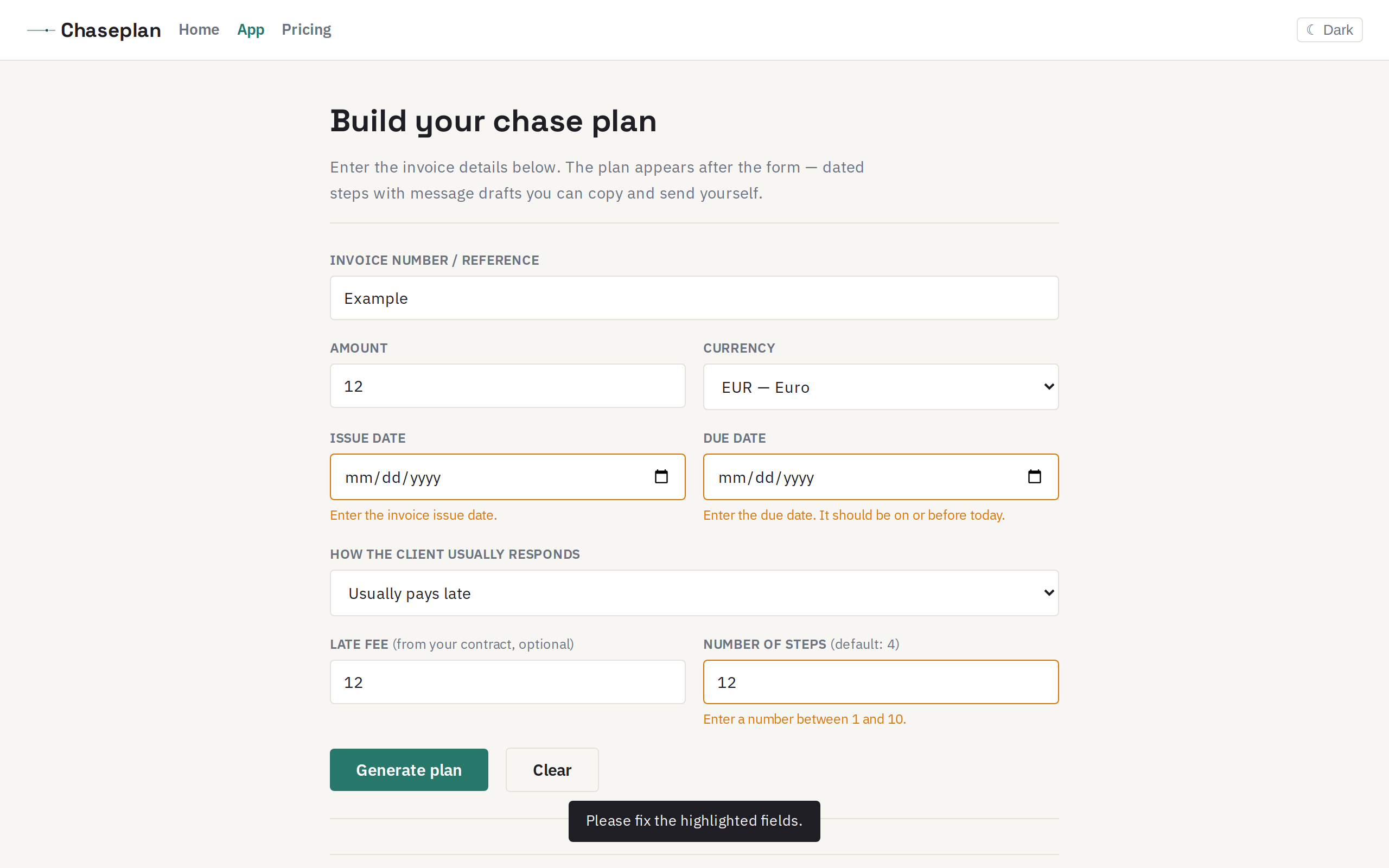
Chaseplan asks for seven pieces of information — invoice reference, amount, currency, issue date, due date, how the client usually responds, and any late fee from your contract — and lays out a written plan from today to the point where you stop chasing. Every draft states the invoice number, the amount, the original due date and exactly how to pay, because a reminder missing any of those gives the client a reason to wait for the next one.
02 / HOW IT WORKS
Four inputs, a click, and you have a plan you can follow.
-
01
Enter the invoice The number or reference, the total, the currency, and the two dates that matter — when you issued it and when it was due. Optionally, a late-fee figure from your own contract.
-
02
Tell us how the client usually responds Pays after one reminder, usually pays late, ignores until the final notice, or you are new to this client. That choice controls how quickly the steps escalate.
-
03
Generate the plan Chaseplan computes the overdue days, lays out a schedule from today with dates for each step, and writes every message draft — subject line, body, placeholders for the details only you know (client name, payment method, your name).
-
04
Copy, download, or print Copy individual drafts to your clipboard, download the full plan as a text file, or print it. Every draft belongs to you — nothing leaves the page until you send it from your own email.
03 / WHAT A PLAN LOOKS LIKE
Five steps, each with a date, a tone, and a message you can send as-is.
Here is a real plan for a $1,500 invoice due August 15, 2026, generated on October 7, with a client who usually pays late. The first reminder is warm; the final notice includes a 7-day deadline. Every draft includes the invoice number, the amount, and the payment instructions.
04 / WHAT IT WILL NOT DO
Five boundaries every user should know before they rely on a plan.
before a first reminder
chase plan
no data leaves
05 / WHAT IT COSTS
Free. Always free. No account needed, no credit card, no trial that expires.
Chaseplan is a single-purpose tool: generate a chase plan, copy the drafts, download the file, close the tab. There is nothing to upgrade to because there is nothing to store, sync, or automate. Every feature on this page works in your browser with no backend, no API key, and no account.
If you find it useful, the best way to support it is to tell another freelancer. There is no referral programme, no affiliate link, and no paid tier in development — the tool is complete as it is.
06 / COMMON OBJECTIONS
Things freelancers worry about, answered directly.
"Can't I just write the emails myself? It would take five minutes."
The drafting is not the hard part — it is the schedule. Most freelancers write a good first reminder, then forget to follow up for two weeks, then send two in the same week. The plan gives you dates, and dates turn intention into action.
"My situation is specific — the templates won't fit."
The drafts use placeholders for the details only you know (client name, payment method, your name). The structure is intentionally plain so it works for any freelance relationship. If you want to rewrite a draft, copy it and edit — the download is a plain text file.
"I already use accounting software that sends reminders."
If your software works for you, keep using it. Chaseplan is for the invoice that has fallen through the cracks — the one that is 60 days overdue and you have been avoiding because sending the first reminder now feels embarrassing. It fills the gap that no automated system handles: the human conversation after the automation has been ignored.
One invoice at a time.
Enter the details, get a plan, send the first draft today.